
FairPlay / FairPlay App
FairPlay App — Two Android Prompts, Then Straight to the Live Inplay Tab
None of this is difficult. It is only unfamiliar, and unfamiliar feels like difficult at 11pm when a match is already ten overs old.
So: the install itself, screen by screen. Then everything that changes once you are inside — the FairPlay app login, the nine tabs, the wallet, notifications, and that update prompt which shows up every few weeks. If you want nothing but the file and the tap-by-tap download, the FairPlay app download APK page covers that and stops there; this page stays on the app.

How the Official FairPlay App Install Runs, Tap by Tap
Do this on the handset you actually bet from. Passing the file to a second phone over Bluetooth works, sure, but you lose the download notification that tells you it finished — and a fair share of the confusion people report starts exactly there.
- Start in Chrome with mobile data on. The FairPlay app link sits on the first screen you land on, and it hands over the file without asking you to sign in first.
- One tap starts the .apk saving. Watch the notification shade rather than the page — the page does not visibly change, which is exactly why people tap twice and end up with two copies sitting in Downloads.
- Two warnings interrupt the run. Both are Android talking about sideloaded files in general, and the table underneath spells out which button ends each one.
- Nothing installs by itself. If you already swiped the notification away, the .apk is still the newest line inside Files, Downloads — tap it there and the installer opens exactly the same.
- Install itself takes about fifteen seconds. Play Protect sometimes offers to inspect the file first; either answer leaves you with a working FairPlay app.
- Tap Open, and the login popup is already waiting. That is the FairPlay app login, and it is broken down field by field further down this page.
Six steps reads longer than it plays. Timed on a mid-range handset, the whole thing is shorter than an over.
What Android Asks During a Secure FairPlay App Install
Two prompts, sometimes three, and they arrive in the same order every time. The exact wording moves around between Android 11, 13 and 15, and between Samsung, Xiaomi, Realme and stock builds — the sequence does not. Here is what each one is actually asking while you install the FairPlay app.
| What the phone says | What it means | What to tap |
|---|---|---|
| This type of file can harm your device | Chrome says this for any .apk, regardless of source | Download anyway |
| Allow from this source | Android blocks sideloading per app until you permit it once | Toggle on for Chrome, press back |
| Install unknown apps | The same switch, reached through Settings, Apps, Special access | Pick Chrome, toggle on |
| Scan app with Play Protect? | Google offering to inspect the file before it runs | Either button; install continues |
| Allow notifications | Asked after first open, on Android 13 and newer | Allow, or deny and lose nothing |
One thing worth being clear about: none of those warnings are aimed at the FairPlay app specifically. Android cannot tell a betting APK from a scanned-receipt APK, so it shouts the same way at both. Once you have allowed Chrome the the first time, a future FairPlay app update skips straight past step two.
FairPlay App Login — the Fast First Sign-In, Field by Field
Inside, the login popup carries two tabs. Mobile Number is selected by default, with +91 already sitting in the country box, and User ID is the second tab for anyone who set their own handle at sign-up.
Mobile Number tab: ten digits, radio left on Password, password typed, Login. Rather not keep a password in your head? Slide the radio across to OTP and the SMS code lands in twenty to thirty seconds, which is quicker than hunting for a saved note.
User ID tab: your chosen ID plus the same password. No country code involved here.
Demo Login: the button sitting directly under the main one. It opens the FairPlay app with a practice balance — no deposit, no real settlement, and a good way to find where the tabs are before money is involved.
No account yet? Tap Register instead. Mobile number, Get OTP, password twice, and two optional lines that people miss on the first pass: Want To Set UserID? lets you pick your own login handle rather than accepting the generated one, and the referral code field only matters if somebody actually gave you a code. Full field notes live on the FairPlay sign up page, and the browser-side version of all this is on FairPlay login.
Forgot the password? Mobile number, OTP, new password, confirm. Same three fields inside the FairPlay app as on the site — see FairPlay login password resets for the edge cases.
FairPlay App Login vs the Site Login — the Real Differences
Same credentials. Same wallet. Same balance to the rupee, because there is one account underneath and the FairPlay app is a door into it, not a separate product. What differs is smaller and more practical than most people expect.
- Sessions persist. Second launch onward the app it usually opens straight onto Inplay instead of asking you to sign in again — the browser drops that session the moment you clear site data.
- Address changes stop mattering. Should a FairPlay address stop opening in a browser, the installed build carries on pointing at one that answers, which is the single biggest reason people bother with the APK at all.
- Notifications only exist in the app. A browser tab cannot ping you.
- Browsers never ask for an update. The FairPlay app does, every few weeks.
- An iPhone gets the shortcut instead, which behaves like the browser with a nicer icon.
That is the honest list. On a phone with 200MB free and a habit of clearing storage, honestly the site in Chrome is the easier life. Everyone else is better off with the FairPlay app installed.
Inside the FairPlay Application — Live Tabs and Where They Sit
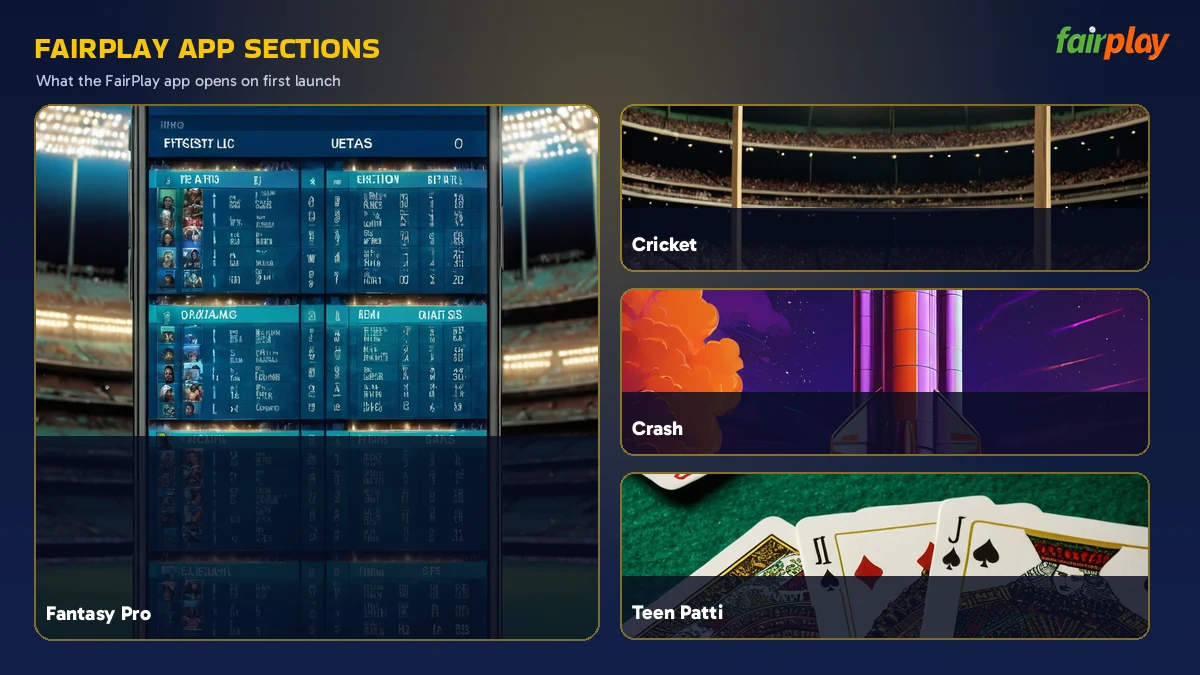
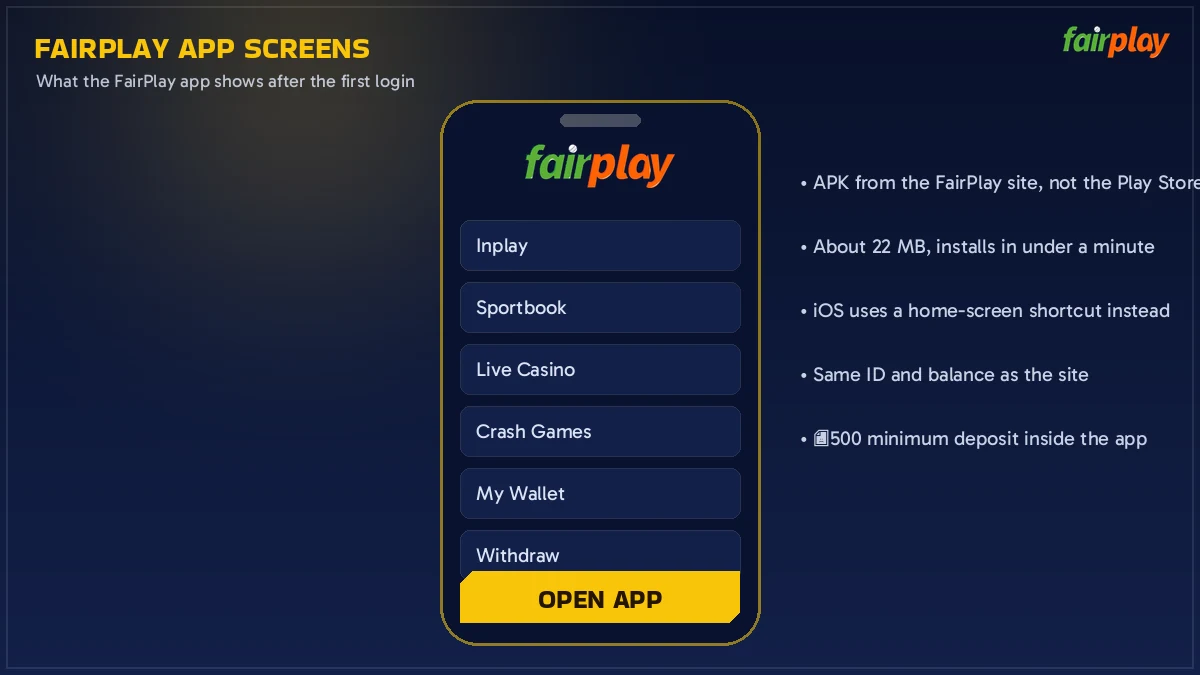
Nine sections run along the FairPlay application, and they are the same nine you get on the site: Inplay, Sportbook, Fantasy Pro, Live Casino, Crash Games, Live Card, Matka, Slot Games and Virtual Sports. Inplay is where the app lands you after login, which is the right default — it is the tab with match prices moving on it.
Cricket, soccer, tennis, horse racing and kabaddi fill the sports rail. During an IPL evening, cricket alone fills that first screen and you never touch the others. Out of season it is worth knowing horse racing is there.
Slot Games alone holds 1000+ titles, and the named tables people usually go looking for — Aviator, Teen Patti, Andar Bahar, Dragon Tiger, roulette, baccarat, 7 Up 7 Down — sit a tap deeper. Dealer streams are the one corner of the FairPlay app where a two-bar signal announces itself straight away, so that is the bit worth testing on your own connection before a big evening.
- Inplay
- Sportbook
- Fantasy Pro
- Live Casino
- Crash Games
- Live Card
- Matka
- Slot Games
- Virtual Sports
A quick note on wording, because it trips people up: the FairPlay game app that shows up in search results is not a second download. It is this same build with the casino tabs opened. Title-by-title detail lives on FairPlay games.
My FairPlay App Wallet — Instant Deposits from ₹500
Finish a cricket match at 11:40pm, open Teen Patti at 11:41, and the number at the top of the FairPlay app has not moved. There is no sports balance and no casino balance to shuffle money between — the app holds one figure, and that figure is your whole account.
Deposits open at ₹500 and go through UPI, Paytm, PhonePe, Google Pay, net banking or crypto. They land instantly — in practice that means the balance at the top of the app has changed by the time you have closed the payment screen. First deposit also carries the welcome bonus, up to 300%, which is the one number most people arrive knowing already.
Withdrawals also start at ₹500 and clear inside a 20-60 minute window. I have said "20 to 60 min" as though it were a promise; it is a window, and a Sunday night request sits nearer the top of it than a Tuesday morning one. The request itself is three taps in my FairPlay app: wallet, withdraw, amount.
Three things are worth a message to the FairPlay desk rather than a second attempt: a deposit that has not shown after ten minutes, a withdrawal still pending past the hour, and an OTP that never arrives. Chat and WhatsApp both run 24x7 — keep your User ID and a screenshot to hand and the reply is faster.
FairPlay Online App vs the Browser — a Quick, Honest Comparison
People type "fairplay online app" and mean one of two things: the installed APK, or FairPlay running in a browser tab. Both are live, both use one account, and the choice really comes down to the five rows below.
| Comparison | FairPlay app (APK) | FairPlay in a browser |
|---|---|---|
| Getting in | One-time install, two prompts | Type the address, no install |
| Staying signed in | Session held between launches | Lost when site data is cleared |
| If an address stops opening | App keeps working | You need the next address |
| Alerts | Notifications available | None |
| Updates | New APK every few weeks | Nothing to do, ever |
| iPhone | Not available | Home-screen shortcut |
My own view, for whatever it is worth: install the FairPlay app if cricket is a regular thing for you, and stay in the browser if you log in twice a month. The account does not care either way.
FairPlay App for iPhone — the Free Home-Screen Shortcut
iPhone owners get a shortcut, and that really is the whole story. Apple carries no listing for this category either, so there is no file, no install prompt and nothing to update — twenty seconds of tapping in Safari leaves a FairPlay icon among your other apps.
- Safari, on the FairPlay address you already use. Chrome for iOS can manage it, but Safari is the one that behaves every time.
- Share icon — bottom bar, middle.
- Scroll the sheet along until Add to Home Screen shows up.
- That name box is editable before you confirm. Shorten it if the full title crowds your icon grid, then Add.
Tapping that icon opens FairPlay full screen, with no Safari address bar eating the top two centimetres of an odds board. Because it points at an address rather than carrying one inside it, two things follow: updates never apply to you, and if the address you saved ever stops answering you simply build a fresh icon on the one that does. Login, wallet, every tab — identical to the Android FairPlay app.
FairPlay App Notifications — Live Alerts You Can Switch Off
Android 13 and newer ask for notification permission the first time the FairPlay app opens. Allow it and the app can reach your lock screen; deny it and absolutely nothing breaks — bets still settle, the wallet still updates, withdrawals still clear inside their window.
Worth knowing: you can change your mind later without reinstalling. Settings, Apps, FairPlay, Notifications, toggle. Android keeps that switch outside the app, so nothing you do inside the FairPlay app will turn it back on by accident.
When a FairPlay App Update Is Pending — the Quick Two-Minute Fix
An update prompt means the build on your phone is older than the one FairPlay is serving. There is no Play Store to do this for you, which surprises people the first time.
The normal path: download the current APK and install it over the top. Android recognises it as the same app, so your login and settings survive and nothing needs re-entering. Two minutes, most of it download.
If the install fails: uninstall the old FairPlay app first, then install the fresh file. You lose the saved session, not the account — sign in again with your mobile number and the balance is exactly where you left it.
If the app opens on a blank screen: that is usually an old build pointing at an address that has moved on. Same fix, new APK. The FairPlay Live address page is the quickest way to confirm which one is answering today.
One habit that saves grief: update when you are not mid-bet. An update during the last three overs of a chase is a seperate kind of frustration, and the FairPlay desk hears about it more often then it should.
FairPlay App FAQ — Fast Answers to the Six Most Asked
How do I download the FairPlay app?
From FairPlay itself, in Chrome — there is no store listing to search for. Tap the app link, let the .apk finish in your notification shade, allow Chrome to install once when Android asks, then tap Install. Around four minutes covers the download, the install and a first login.
Is the FairPlay app on the Google Play Store?
No. Google does not list real-money betting apps for India, so the FairPlay app is handed out as an APK by FairPlay itself. Anything in the Play Store using that name is not the real build, and the download link on the site is the one to trust.
How do I do a FairPlay app login after installing?
Tap Login, then pick between the two tabs: Mobile Number with +91 in front, or the User ID you chose at sign-up. Your password goes in under either one, or flip the radio across to OTP for an SMS code. Demo Login on the same card opens a practice balance.
Is the FairPlay app safe to install on Android?
The file comes from FairPlay, which has been running since 2017 under a Curacao 365/JAZ licence. The warnings you see during setup are Android objecting to sideloading in general, not to this APK. Take the file from the FairPlay site rather than a re-upload blog or a forwarded copy.
Can I use the FairPlay app on an iPhone?
Yes, but through a home-screen icon rather than an installed file, because Apple lists nothing in this category. Open FairPlay in Safari, tap Share, pick Add to Home Screen. The icon opens full screen, carries the same login and the same single wallet, and no update ever applies to it.
Why is my FairPlay app not opening after an update?
A pending update usually means the build on your phone is older than the one on the FairPlay site. Download the current APK and install it over the top, which leaves your account untouched. If that install fails, remove the app, reinstall it, and sign in again with your mobile number.